
12 Brilliant Photoshop Tutorials
6Text effects, photo manipulation, digital art and more can be done with only Photoshop. Adobe Photoshop is a universal tool that allows you create wonderful artwork. All you need to know is to learn more about its tips and tricks.
There are alot of the wonderful Photoshop tutorials collections in the Adobe Photoshop section. In addition to the below 12 amazing Photoshop tutorial you can check these Photoshop tips and tricks posts:
- 10 Best Practice Photoshop Tutorials
- Useful Photoshop Tutorials Collection
- 11 Creative Photoshop Tutorials
Also, do not forget to subscribe to Graphic Manai feed here and keep yourself updated with our daily resources.
Create a 3D Flowery Text Effect

This tutorial will show us how we can create a magical 3D flowery text effect with the use of both Illustrator and Photoshop in just few steps.
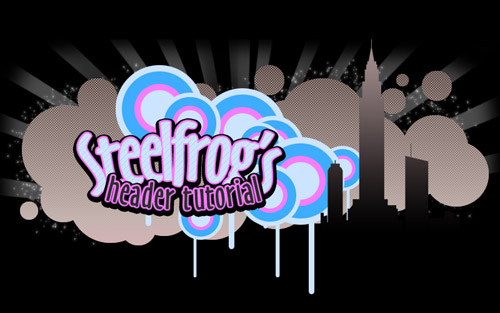
This tutorial will go through various effects: creating trendy clouds, texturing, layer styles, glowing sparkles, trendy drips and even how to create a city and using funky fonts.
Face Swapping – No Surgery Involved
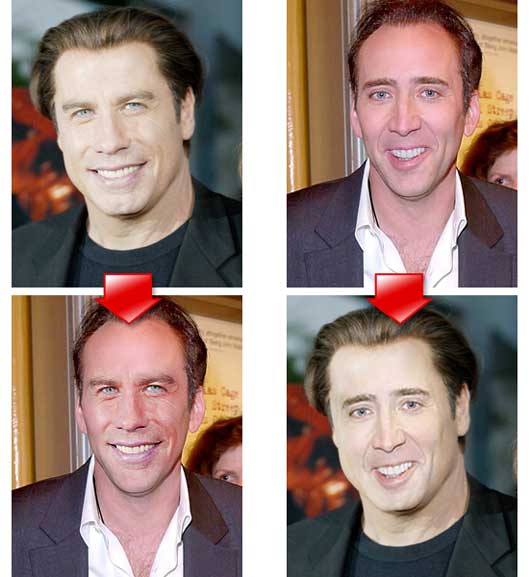
That tutorial show you how to swap the faces of people from 2 different images.
Create dynamic distortion effects

Bring velocity and meltdown to your subjects with a little Photoshop magic.
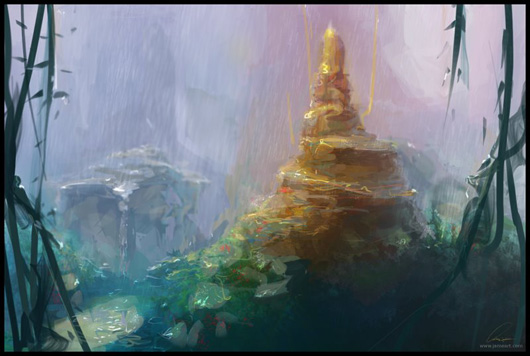
In this tutorial we will paint an environment. This is not one of the newbie tutorials so it is better for you to have a tablet to this one. So put your tablet in front of you & let’s get started.
How to Make a Dark, Post-Apocalyptic City Illustration
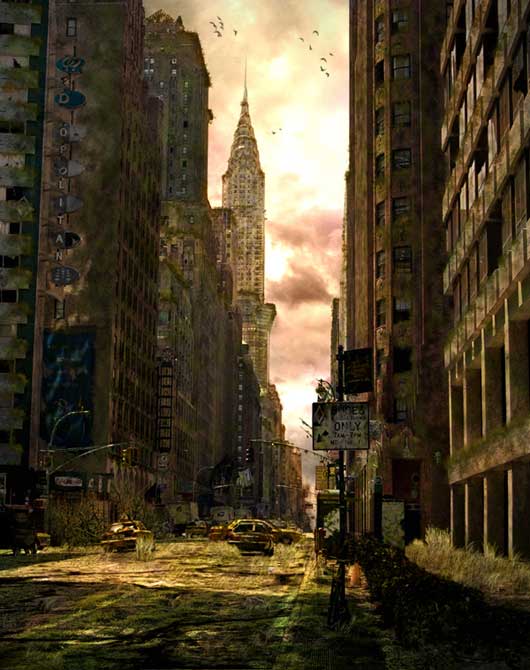
In this tutorial, we’ll change a full of sunshine, ordinary photograph into a gloomy image of the world after destruction of mankind. Using simple tools, we’ll turn lively streets into abandoned ruins overgrown with weeds. A number of stock images and a few little tricks will let us optimize our work and make this job more interesting and spectacular.
Photoshop Tutorial: Michael Jackson Wallpaper
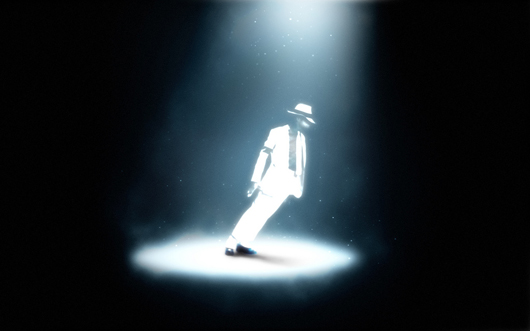
Last week we lost Michael Jackson, a true legend and without any doubt, an inspiration to a whole generation. I grew up listening to his songs and of course, was amazed by his movie clips and dance moves. The moonwalk was something I always wanted to learn how to do and even today, it still impresses me. Also the light effects were always part of the Michael Jackson’s repertoire and of course, have influenced a lot in my style.
In this tutorial we will learn how to create the wallpaper in tribute to the king of pop.
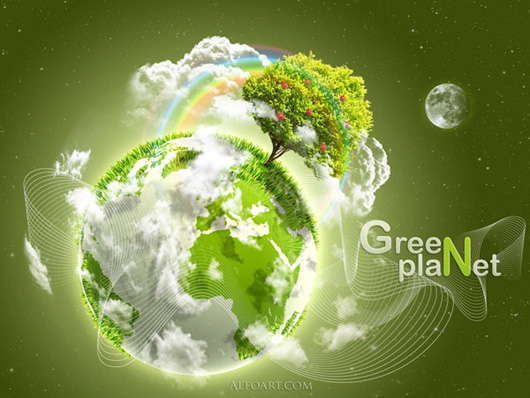
How to create a cool and stylish Green Planen in Photoshop from scretch
It’s Time to Create a ‘Neo-Constructivist’ Poster with Photoshop
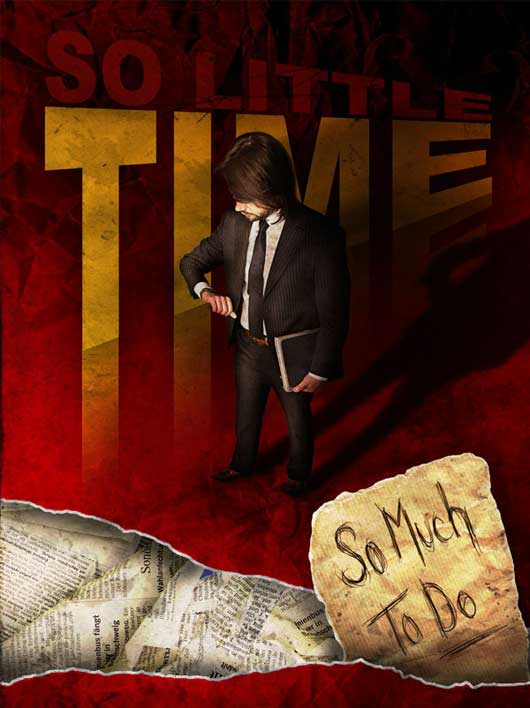
Constructivist graphic design is often associated with communist politics and propaganda, but it’s more than that, Constructivism is about using bright colors, playing with lightness, perspective, geometrical forms, besides photomontage techniques and digital collage. This time I’ll dare to name this tutorial a ‘Neo-Constructivist’ design. It’s time to get started!
Create a Clean and Colorful Web Layout in Photoshop

In this tutorial we will learn how to create a clean corporate layout in Photoshop.
Create a Dramatic Car Speeding Scene
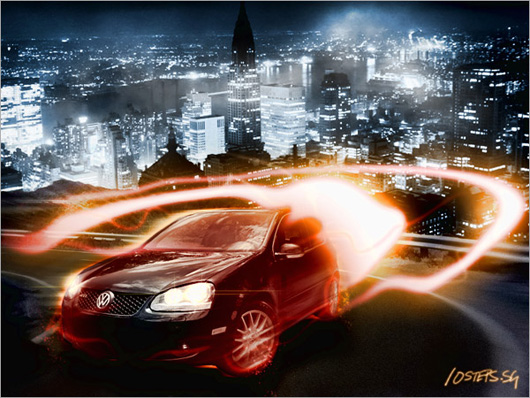
This tutorial show how to create a car travelling at high speed around the corner of a highway. It covers the usage of Liquify and few Blending Options. Also we are going to experiment another effect from Topaz Labs again.

This is the tutorial about making ghost text effects.





Thanks for including my “Girly Web 2.0 Header” tutorial!
that’s just .. waw !!
awesome collection, & great choices !!
Great tutorials. thank u for sharing 🙂