Useful Adobe After Effects Tutorials
0
Adobe After Effects is one of the leading applications to create video animation for TV broadcasting, DVD, and video production; not only inside Adobe products but also among other video animation tools in the market. The advantages of using and learning After Effects to create animation is that you can easily create great animation using the effects and presets inside Adobe After Effects, and you can dig into After Effects tools to get more out of these tools.
Before continuing reading this post did you already join our Twitter and subscribe to our RSS feed? If not, rush and join us now to receive updates of new posts and free resources.
Animated Swirls in Adobe After Effects
Create animation for the commonly used swirl animation in After Effects fast and easy with few steps.

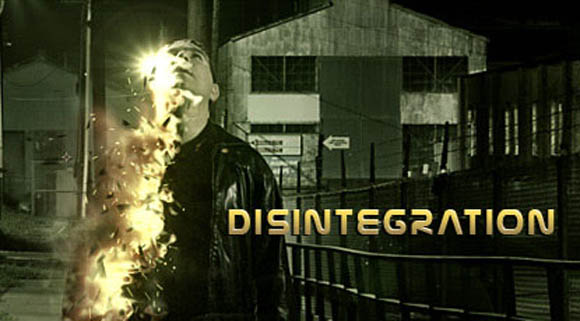
Disintegration
Build a furious procedural Disintegration effect in AE and use displacement, turbulence and particle world.
Scene Re-Lighting
Use normal-map to relight 3d scenes in AE and use the advanced lighting, reflection & Refraction
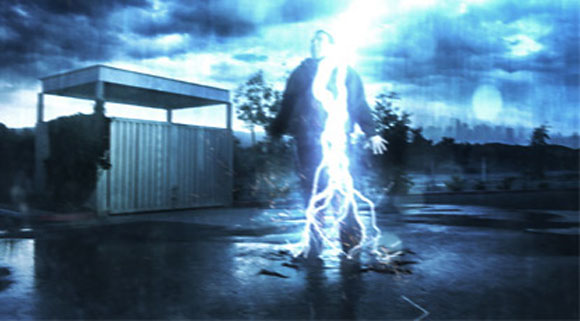
Lightning Strike
Add Rain & Atmosphere then build a Lightning Bolt and use Action Essentials 2 and make Sam explode
Smoke Trails
Create realistic smoke trails with Particular particles and create a randomize the look of a cloud texture with 3d turbulence
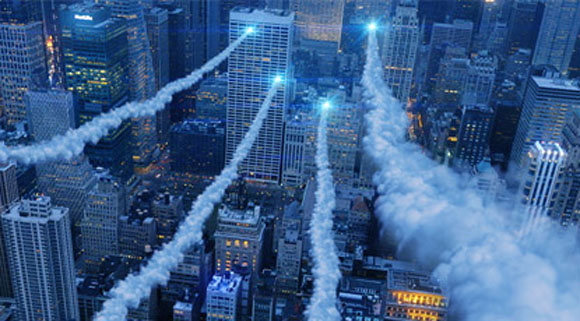
3D Ball Dispersion
Create a ball transition effect with CC Ball action and use multiple layers to cascade the effect sequentially.

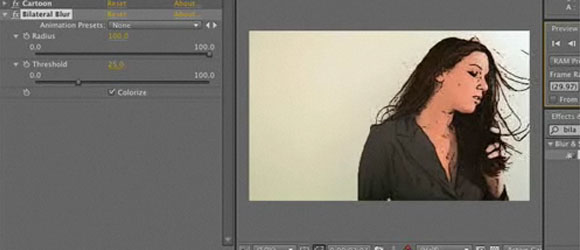
After Effects CS4 Cartoon Effects
This tutorial creates cartoon lines effect on video animation in After Effects.
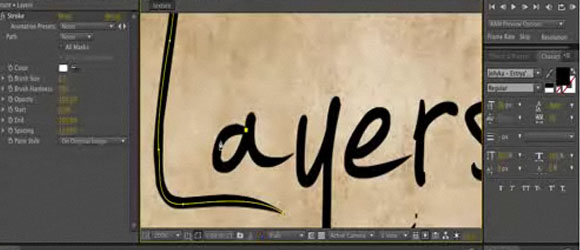
Animated Handwriting in After Effects
Use this amazing effect in After Effects to create handwriting effect.
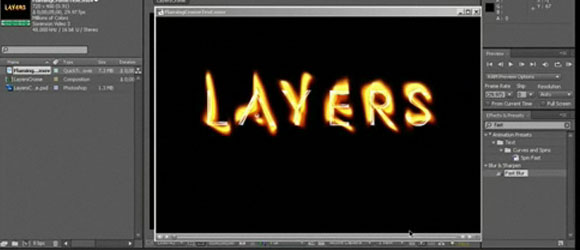
Flaming Chrome Text in After Effects
This tutorial each you how to create a flaming text effect .
Animate Paint in After Effects
Learn how to create paint animation through this video tutorial in After Effects.
After Effects: Jumbotron Column
In this extended tutorial learn how to identify the field order of footage and interpret it collectly; create a realistic Jumbotron-style look using CC Ball Action, Glow, Levels and Curves; turn the jumbotron into a 3D column mounted on grungy wire mesh using Zaxwerks 3D Layer Warps
After Effects: Spray Paint and Bullet Holes
How to create grunge text animation effect in Adobe After Effects.
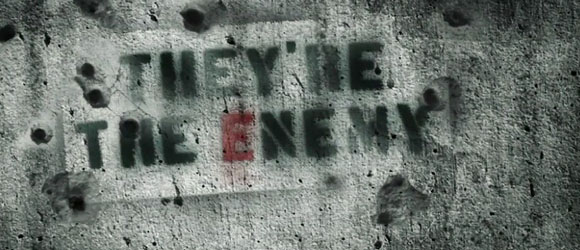
After Effects: Holomatrix
In this Adobe After Effects walkthrough learn how Red Giant Holomatrix was used to give grungy 3D text a dynamic sci-fi look.
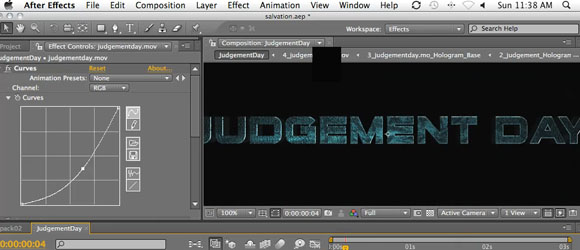
Animate Rain Shadows in After Effects
This tutorials lets you create a rain shadow animation.
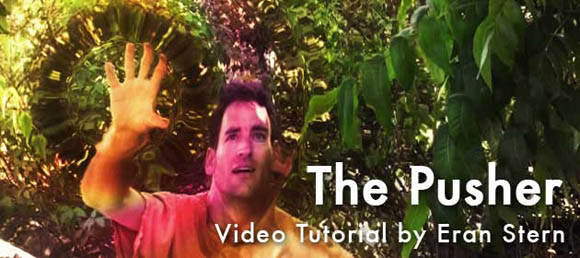
The Pusher
This video tutorials creates a watery liquid push effect and color corrects the shot using the bundled Color Finesse plug-in.
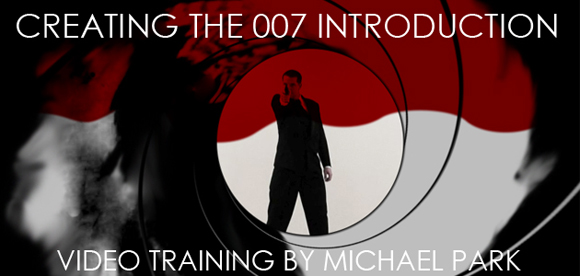
Creating The 007 Intro
In this video tutorial,Michael Park shows you how to achieve that classic introduction to all of the James Bond films using only basic After Effects plugins.