
10 Useful Time Tracking Apps
1Whether you are a project supervisor, team leader or a freelancer who administers customer projects must need to manage your time. Time bears money and money saves time. Time tracking is very essential for any type of project governance. Time tracking helps you in prorating your business and overall work progress, by setting the clear objectives.
Below mentioned useful time tracking apps are cherry-picked because they provide project administration facility by integrating with a billing system; have a “wow” factor offering a free and unhampered version (not a trial version); last but not least, they offer a mobile solution for on-site visits. Now, no more flipping between numerous tabs and forgetting to start and stop the time tracking button. Keeping this in view, I am providing you with 10 useful time tracking apps for PC as well as MacBook.
1. Ronin
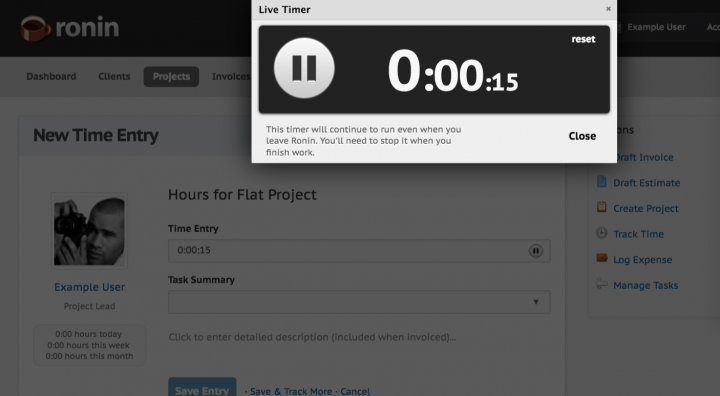
Ronin helps you with providing basic functionality because this app is meant for one person i.e it permits for one contact person per client. It meets all your basic needs by enclosing a Zapier integration with recurring invoices, multiple currencies, estimates, management tools and payment statuses. Here it is as a freebie with complete package but you can also upgrade it as per your requirements. Even if you are a small business owner, Ronin is the time clock app for you.
Download
2. Harvest
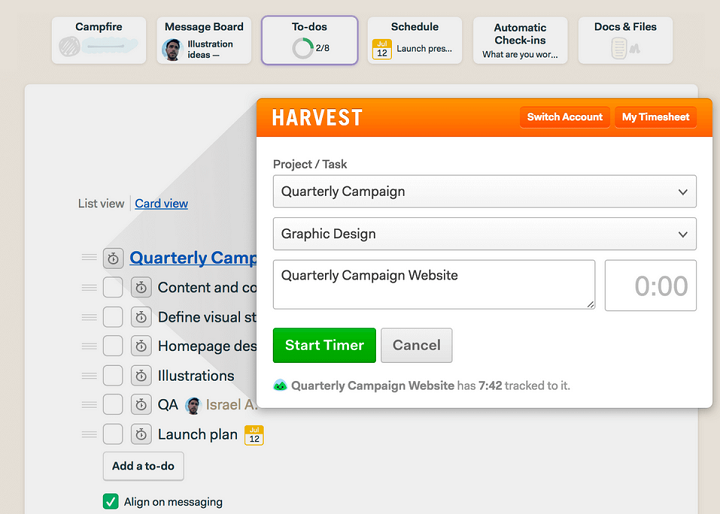
Harvest is ready to use after signing in, the account can be easily created online. Other than web and mobile device version, this app is also compatible for Mac computer. You can download it from the app store or avail it directly from the harvest for Mac page. It works with hotkeys to instantly start a timer and detects idle time as well. From the link below, avail free functional version of the app for 30 days.
Download
3. AccountSight
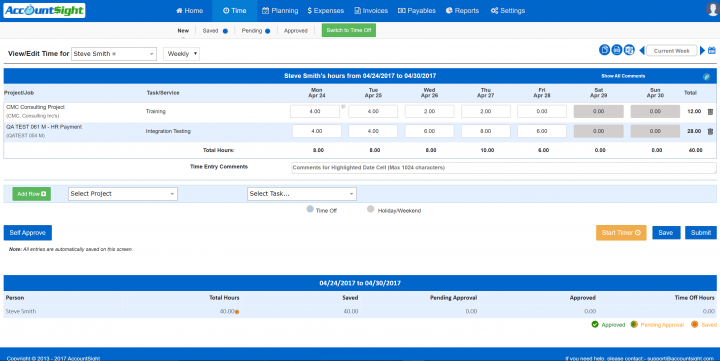
AccountSight is a highly recommendable app due to its huge viewership as it is perfect for project cost tracking. It uses QuickBooks and Paypal integration. This time tracking app has unlimited invoicing and is free for two clients, two projects. For the fastest version (unlimited clients and projects), AccountSight offers $10 per person for groups under five, but you can avail discount if your group is larger than that. You will continually receive messages that poke you to turn on your clock if you forgot to track your time. Due to this, the viewers’ comments immensely comprise of the great customer service.
Download
4. Toggl
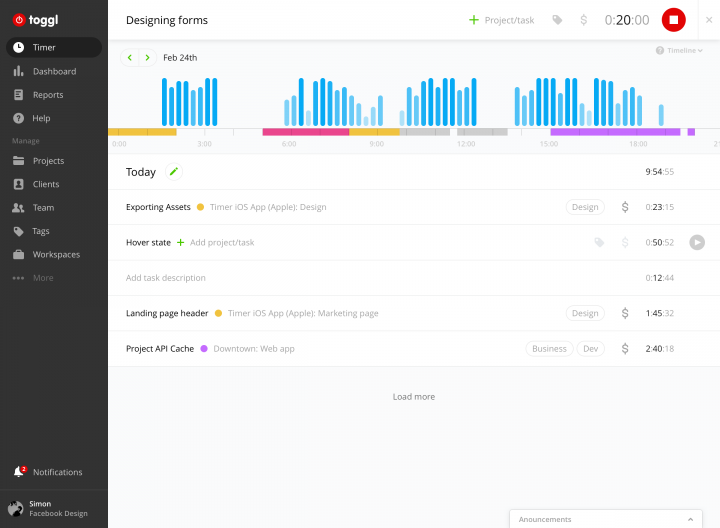
Toggle time tracking app is compatible with various computer platforms including Mac. This time tracking app can be downloaded directly through website and it is also available in app store. The thing that makes this app interesting is the editing accessibility plus it provides manual time entry. You can add entries individually or in groups. This Toggl review offers a comprehensive look at one of the most popular cloud-based time tracking apps. You can download Toggl from the provided link and enjoy free 30 day trial period of the app.
Download
5. Due.com
Due.com is a latest tool that focuses on multiple tasks per clock in or clock out. The tool provides you with invoices, customized quotes and estimates that can be sent online via email. You can apply multiple tax structures to your invoices, can work in multiple currencies. Moreover, it helps you in accessing all timing features. However, as long as you don’t process payments through their invoicing system, you can freely work with due.com.
Download
6. Todo.vu
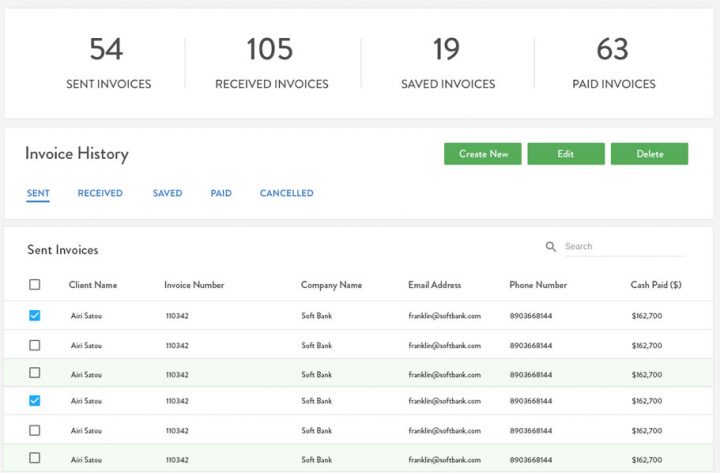
The free version of todo.vu integrates with FreshBooks on a limited basis and does not rely on integrations to be a complete system. It allows users to access 100MB of storage so that they can enjoy the free project management and CRM features. If you are a freelancer or run small business then try todo.vu.
Download
7. Time Doctor
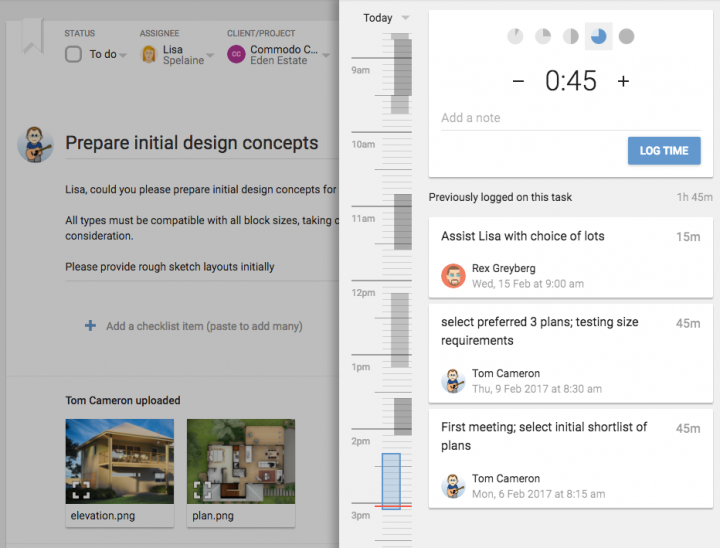
Time Doctor is only compatible with Mac platform. The time tracking feature of this app accurately categorizes your spent time. It alarms you if you exceed your time on internet usage. You can clearly examine your time that is spent on clients, tasks, projects or distractions. Users can either use Time Doctor Pro or the Lite version. Moreover it helps the teams to stay productive by restoring data and providing coherence to show where refinement can be made.
Download
8. Timing
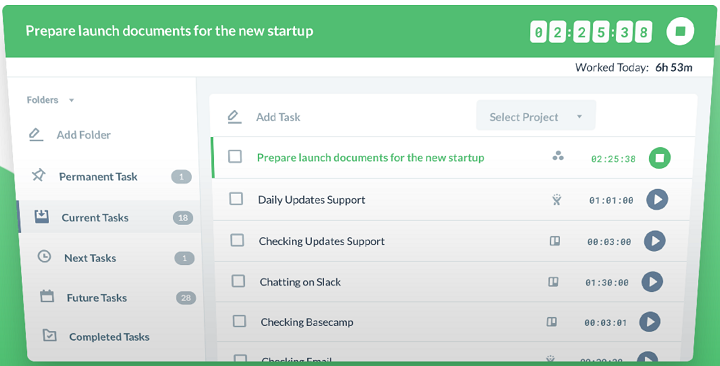
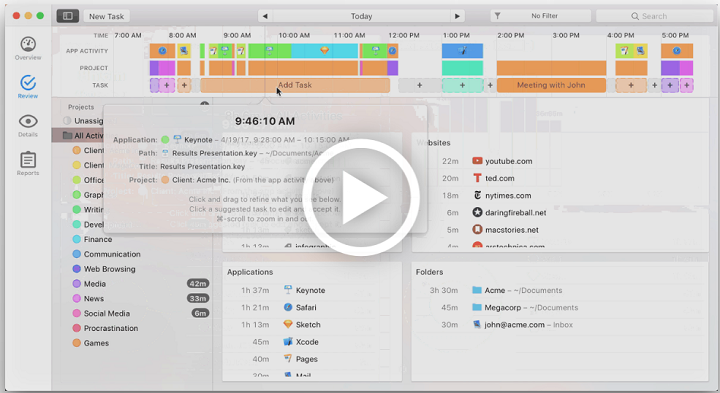
Timing has its own dashboard that shows an overview, reporting for client billing purposes and custom time categories. It even identifies and makes indication of arrays of time that belong together. It can also track websites that browsers visited as it is a downloadable macOS application. Hit the download link and avail the automated Mac time tracing tool to optimize your spent time.
Download
9. Tick
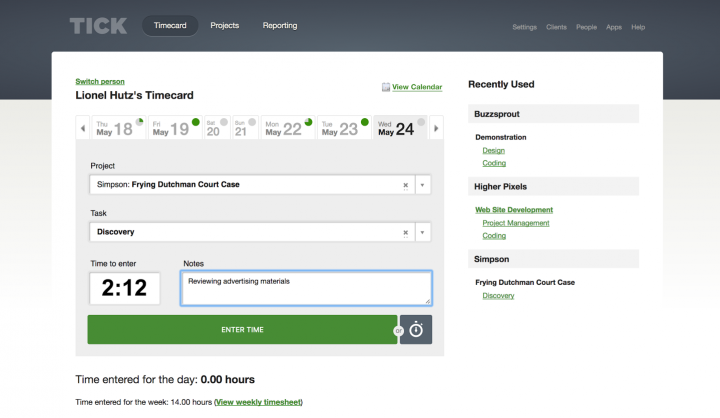
Now no more budget trailing in an unwieldy, inept spreadsheet. Tick surpasses other time tracking apps because it impetuously updates its users about budget changes with each time card. It holds 4.5 stars in its overall functionality especially customer service. This free to download app has a lot of accounting software integrations. If you are working on a heavy-hitter project and don’t want to use uneconomical project management tools then Tick is your soldier here.
Download
10. Trigger
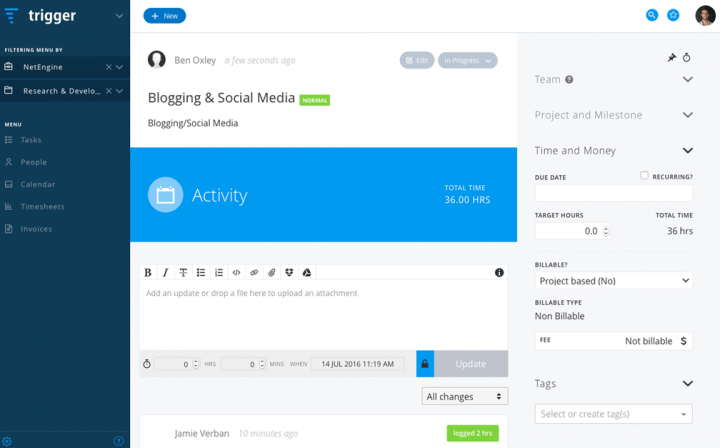
Trigger is free for three team members, five clients, five active projects and basic reporting. It comes with notable free integrations; FreshBooks, Dropbox, Slack, Xero and Zapier. It als0 offers automated invoices with timesheets and online reports. You don’t need to start from scraps at the starting of each project as it also enables you to access templates and complete storage. This free to download app can help you to fathom which clients are worth your time and which ones you are over-servicing.
Download
Drop your views in the comment box after using these useful time tracking apps. If you think any other convenient time tracking app is missing from the list, feel free to add it.




You should also check Fanurio: http://www.fanuriotimetracking.com
Fanurio is a desktop application designed to help small teams and freelancers to manage their work and be paid for it. With Fanurio you can customize invoice templates using your own layouts and export them to HTML or PDF. It also has idle time detection and it can be used on Mac, Windows and Linux.