
Adobe Photoshop History: Memories That Made a Legend
18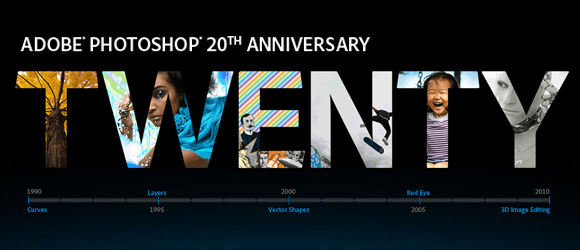
20 years ago, there was a debate about a new software that may affect photography in a bad way by giving the ability to people to edit original photographs. This software is Adobe Photoshop. In the Adobe Photoshop 20 years birthday, there are alot of celebrations and video around the web. However, the video I would like to share with you today is special. Not only because it is a documentary video about Photoshop, but also because it gathers the Adobe Photoshop founders sharing their memories about this great application.
Before continuing reading this post did you already join our Twitter and subscribe to our RSS feed? If not, rush and join us now to receive updates of new posts and free resources.
In this documentary video about Photoshop, John Knoll, Thomas Knoll, Russell Brown and Steve Guttman meet to discuss the memories about how Photoshop came to life since 20 years. Russell Browen started his journey 20 years ago with an interview about the an earlier version of Photoshop. Russell continues the journey after 20 years by meeting the Photoshop founders to talk about how the idea of Photoshop started and about they chose the name that becomes the synonym for image editing.
In this video that lasts for around 18 minutes, you can surf through the words and the ideas of the Photoshop founders how this amazing application goes a long way and got improved through the years starting with the no-layer Photoshop ending with the 3D and animation in Adobe Photoshop.
Adobe has also launched a 20 anniversary site to celebrate the Adobe Photoshop 20 years anniversary, the new site is a journey about Photoshop through the years.
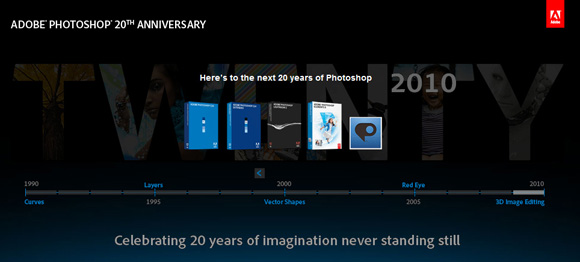
The Photoshop birthday site includes a timeline that shows the history of Photoshop along the last 20 years. Every version has added new features to Photoshop that makes it reach what it becomes today. Through this timeline, here are some features that have been added to Photoshop through the years:
1990 – Adobe Photoshop 1.0 :
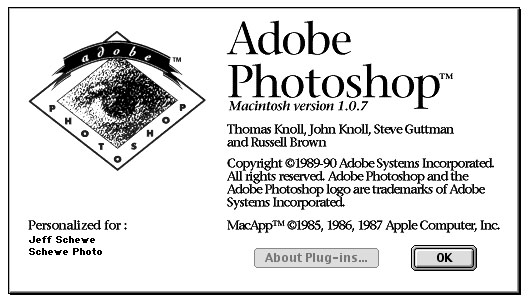
This was the start and the first introducing to Adobe Photoshop. The new software included the following options:
- Color correction with Balance, Hue, and Saturation
- Image optimization for output
- Curves
- Levels
- Clone tool
1991 – Adobe Photoshop 2.0:
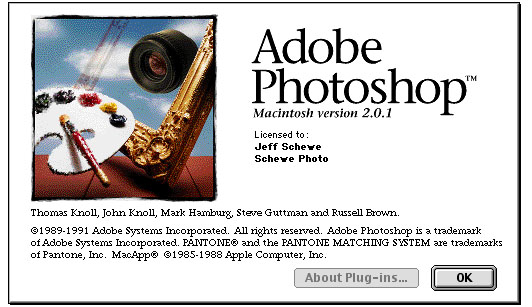
The second version of Photoshop started to use paths, support to CMYK colors, Duotones, the Pen tool and support rastezing Adobe Illustrator files.
1993 – Adobe Photoshop 2.5 :
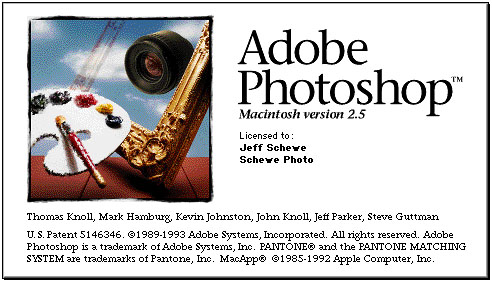
This version was an upgrade to version 2 and included palettes and provided support to 16-bit files.
1994 – Adobe Photoshop 3 New Features:
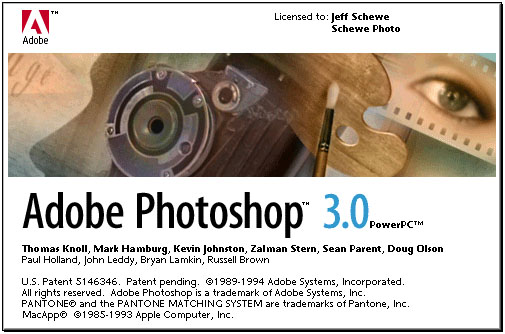
This version was the start of layer in Photoshop. Layers were one of the major additions to Photoshop that totally changed the way of work inside Photoshop and gave users a more power to work with layered images instead of one layer photo.
This version also supported the tabbed plattes which helped users to save more space and better arrange for the Photoshop workspace.
1996 – Adobe Photoshop 4:
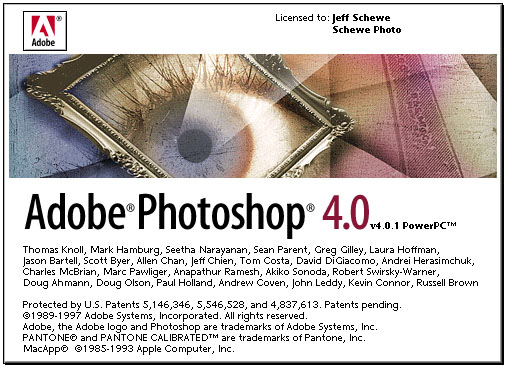
Photoshop 4 added new helpful features such as Adjustment Layers and Actions. And regarding the Photoshop interface, this version included a new Toolbar and got more Adobe interface that matched with other Adobe products.
1998 – Adobe Photoshop 5:
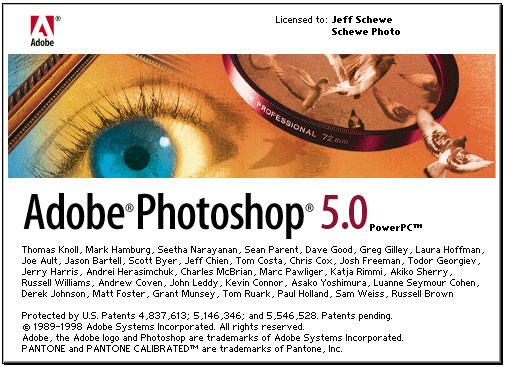
Version 5 came with two major updates, the editable text and multiple undo ability, those two features were also major changes that affected the work in Photoshop enormously. In addition to these features Photoshop 5 presented the International Color Consortium (ICC) based color workflow and the Magnetic Lasso tool.
1999 Adobe Photoshop 5.5:
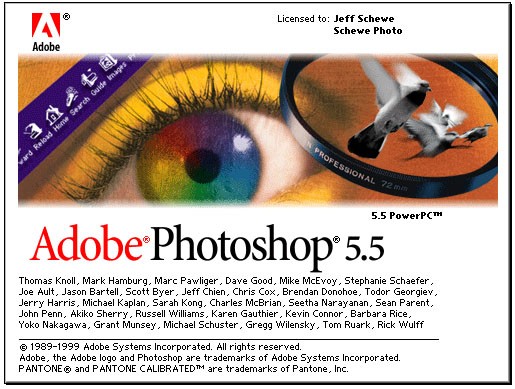
Adobe Photoshop 5.5 came up with features that support designing web content such as the bundled ImageReady, Save for Web option, image slicing feature and the Extract feature.
2000 – Adobe Photoshop 6:
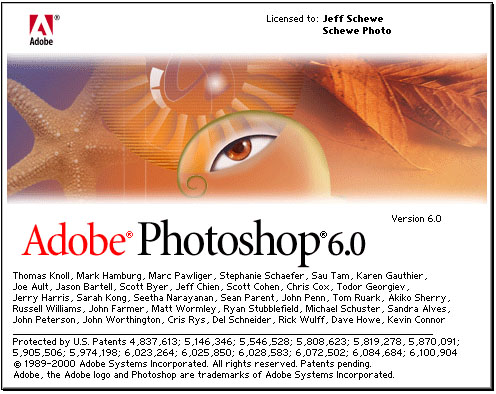
This version introduced to the user Layer Styles and Blending Option dialog, which helped to create a lot of effects easily and fast. In addition to this feature, Photoshop 6 included the following features:
- Vector Shapes
- Updated user interface
- Liquify filter
2002 – Adobe Photoshop 7:
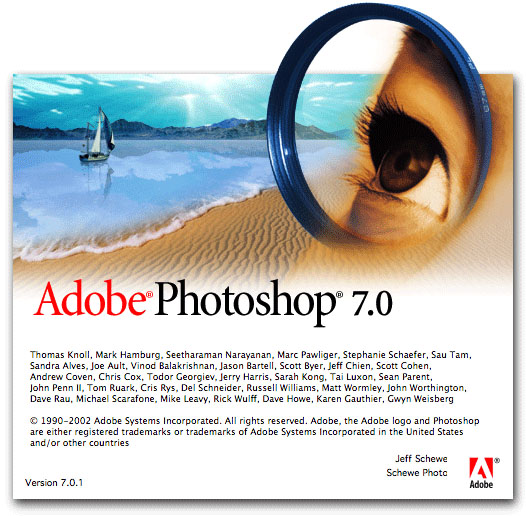
Photoshop 7 included the following updates:
- Healing Brush
- Made text fully vector
- New painting engine
- Photoshop file browser
2003 – Adobe Photoshop CS:
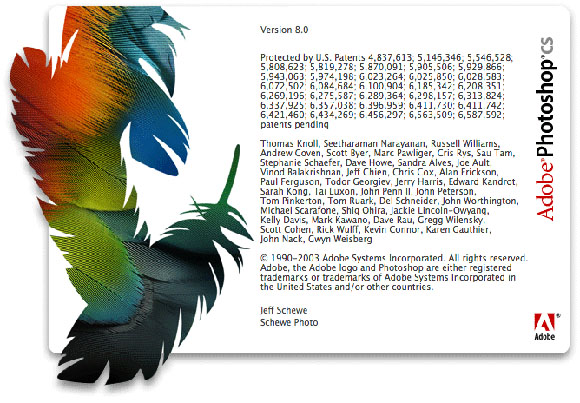
This is the first version that Adobe bundled with other Adobe products in the Adobe Creative Suite. The new CS included the following updates:
- Shadow/Highlight command
- Match Color command
- Lens Blur filter
- Real-Time Histogram
- Highly modified Slice tool.
- Hierarchical Layer groups
2005 – Adobe Photoshop CS2:
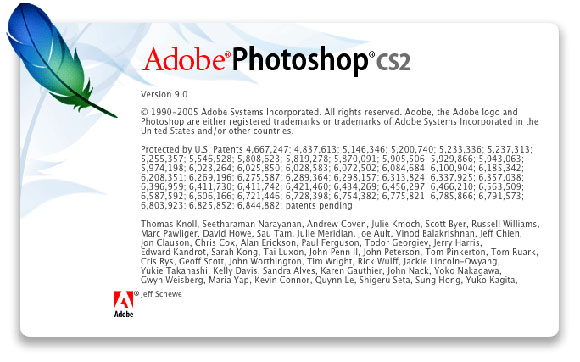
The Adobe Photoshop CS and CS2 had taken Photophoto to new trends and capabilities that aim to help user to better work with content in Photoshop such as working with Smart Objects, Red-Eye tool Vanishing, Point…etc.
The Photoshop CS2 included the following updates as well:
- Adobe Bridge 1.0
- Image Warp
- Spot Healing brush
- Lens Correction filter
- Smart Sharpen
- Smart Guides
- HDR imaging support
2007 – Adobe Photoshop CS3:
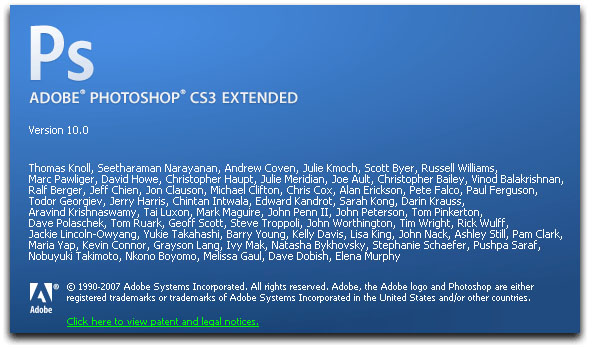
Photoshop CS3 started a new era of Photoshop by supporting 3D and animation. These two features are new doors to open new trends in Photoshop. Photoshop users are now able to create and work with 3D content and create animation directly in Photoshop.
The CS3 version included the following features as well:
- MATLAB integration
- Measurement and counting tools
- DICOM format support
- Movie Paint
- Vanishing Point with 3D support
- Image stack processing
2008 – Adobe Photoshop CS4:
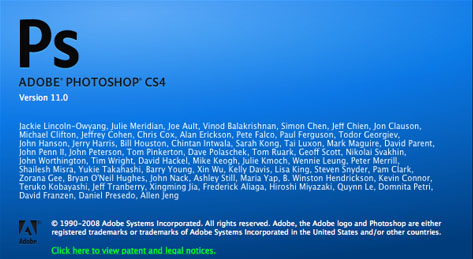
This is the current version of Photoshop and includes the following features and enhancements:
- Breakthrough 3D editing and compositing
- Enhanced motion graphics
- Volume Rendering
- Easier data collection and analysis
Adobe Photoshop has been developed through the years and with every update, there are a new challenge and new capabilities. The new added capabilities keep the door wide open for new features and enhancements. This is why it is the number of photo editing tool for most of the users.




Social comments and analytics for this post…
This post was mentioned on Twitter by allwebdesign: Adobe Photoshop History: Memories That Made a Legend http://bit.ly/9OmHPl…
[…] Marsha Webster wrote an interesting post today onHere’s a quick excerptAdobe Photoshop History: Memories That Made a Legend. The Adobe Photoshop CS and CS2 had taken Photophoto to new trends and capabilities that aim to help user to better work with content in Photoshop such as working with Smart Objects, … […]
[…] more: Adobe Photoshop History: Memories That Made a Legend | Flash … Tags: featured-developement, includes-the-photoshop, photoshop, startup, the-post This entry was […]
I saw the PS 20th Anniversary Celebration “live”, the night it happened. PS User had the stream. It was an enjoyable walk back through the history of the program. But, the presentation by Russell Brown was a HOOT! YouTube has an excerpt of each of the presentations, including Brown’s.
http://www.youtube.com/watch?v=Cm98aUAHBks
Thank you for this article. It’s good to be at this level of PS technology, eh? Though, what is to come sounds good, too!
Su
.-= Su Hall´s last blog ..Freebie, Good News & a Cool Action =-.
Great Post !
.-= Ahmed Rabieh´s last blog ..Photoshop’s 20th Birthday Celebration on Thursday! =-.
What’s interesting is that the original price of Photoshop in 1990 was $895, so it’s actually less expensive now than when it first came out, even more so (less than half the price) when adjusting to 1990 dollars…
Also amazing that at the time, Adobe thought it would sell only 500 copies per month.
.-= ProDesignTools´s last blog ..Photoshop Turns Twenty =-.
[…] rest is here: Adobe Photoshop History: Memories That Made a Legend | Flash … Share and […]
It really reminds me a lot.. lolz you post was amazing it reminds me lots of memories as I go through with different versioning of Adobe Photoshop. Thanks and it inspire me a lot.
Thanks alot, actually I got the same feeling when I saw this movie and returned to the old days. The layer option was a dream, the text layer was a dream too. I think Photoshop is part of any designer life and history. I feel happy to share with you the happy memories 😉
Hi Su
Yeah, it was a great show but sadly I could not see it. Russll is a legend and his sense of humor is a magic. he is able to turn the Photoshop presentation to David Copperfield show 😉
I am happy to share these moments with you and hope if you can let many people comment with their memories too. It is really fun to share it together 😉
First Congrats… Russel Brown, Thomas Knoll, John Knoll, Steve Guttman and all photoshop team member…
Congratulations to all photoshop team …. God Bless… :))