
Free Photoshop Patterns Sets
7
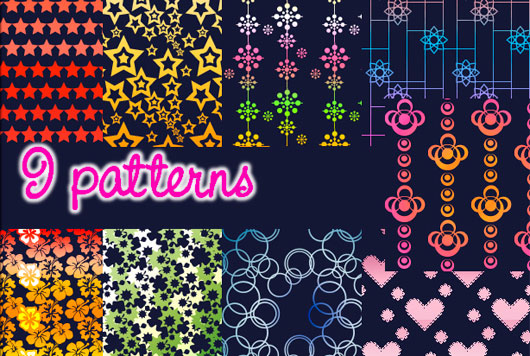
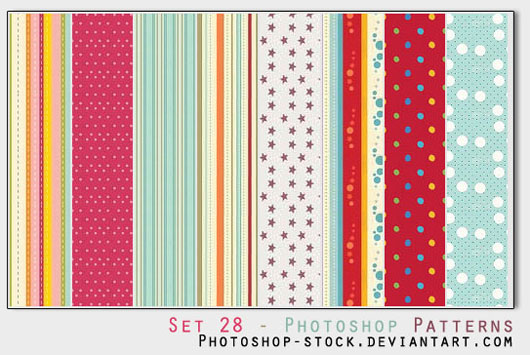
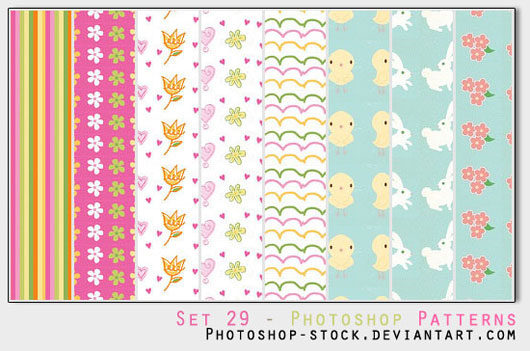
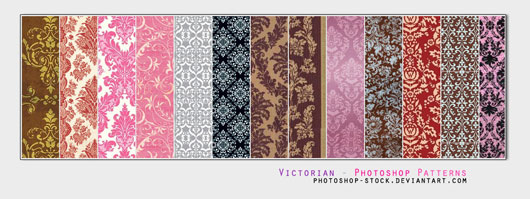
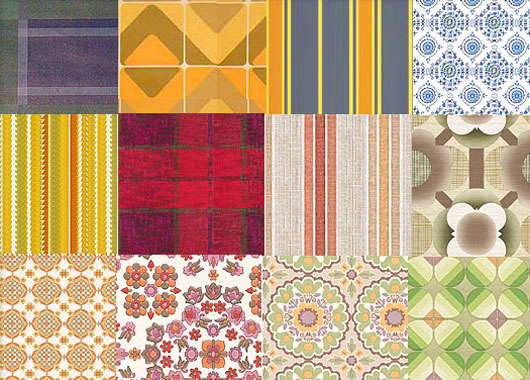
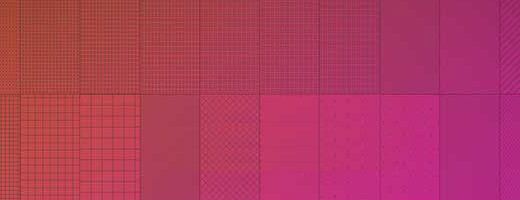
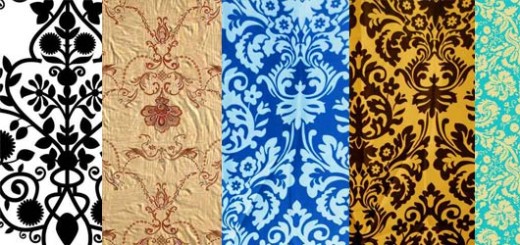
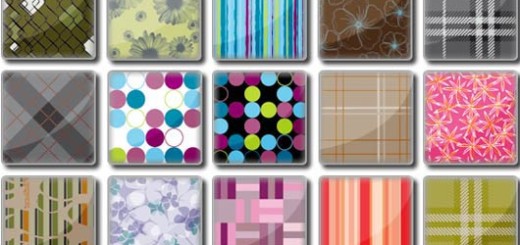
Photoshop patterns are graphic images that can be repeated and are used to fill backgrounds with repeated objects. Patterns is saved as .PAT file format and loaded into Photoshop through the Patterns panel. In this post, you will find some of the amazing Photoshop patterns that can be used different designs.
But before start downloading these free Photoshop Patterns, I would like to show in brief how to load these patterns into Photoshop:
- Open Adobe Photoshop, and From the Edit menu, open Preset Manager.
- Choose Patterns from the drop-down menu.
- Press the Load Button to load the patterns .PAT files.
- it is also preferred to add the patterns files into the patterns default path:
Local Machine: Program Files\Adobe\Adobe Photoshop CS4\Presets\Patterns
Do not forget to subscribe to the Free Resources News to receive full free resources and tutorials directly to your email.
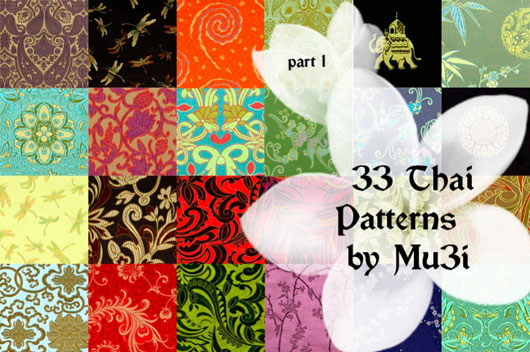
33 Thai Patterns

Share

yea nice Work 😀
Awesome, and thanks a lot.
[…] Free Photoshop Patterns Sets […]
Nice Work i will push it on designsshowcase.com