
30 Photoshop Actions for Photo Effects
15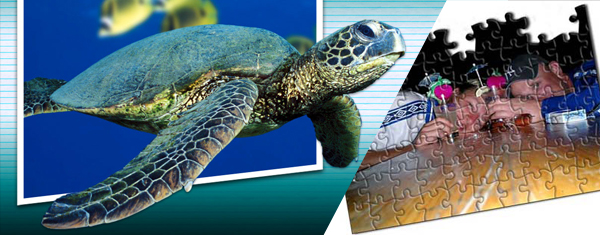
A Photoshop action is a recording of a sequence of commands which we can save and use for repetitive tasks and make our workflow fast and much more better. Using Photoshop actions can improve you workflow in Photoshop by speed up you process and ensure accuracy since the same values are applied automatically to all your photos.
Here we’ve collected best different useful actions, which are free to download and will help you to speed up your work. In addition to the below collection, you can find more Photoshop resources in the Photoshop section and you can also preview the following collections of Photoshop actions:
If you like this post, do not forget to join our mailing list and share this post with your friends and social networks.
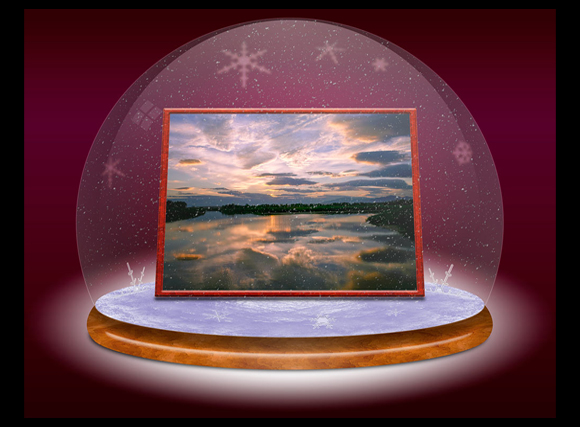
Snow Globe
At the beginning the action creates a wooden frame around your image. Then it creates a snowglobe and places your image inside.
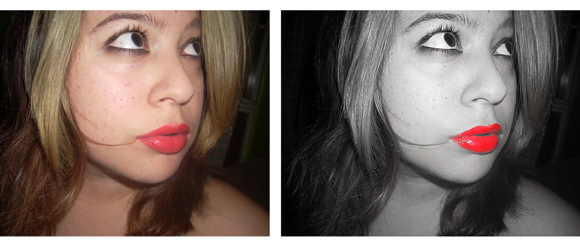
Red Lips Only
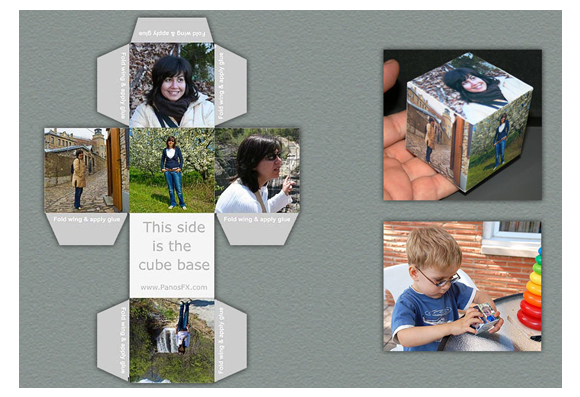
Paper Cube Net
The set contains 2 actions. The first action creates a cube that has the same photo printed on each side. The second action prints 5 images.
Tiktok
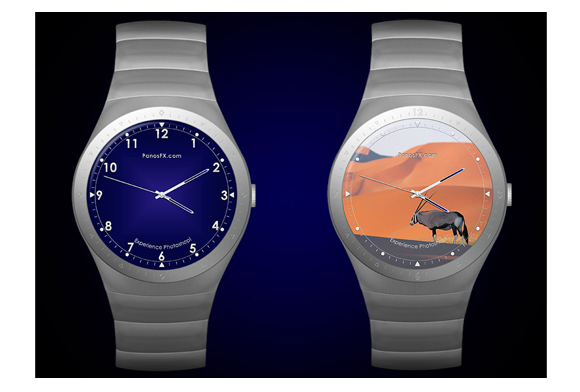
Wrist Watch
The first action of this set creates a beautiful wristwatch. The second action let’s you place your own image on the watch face.
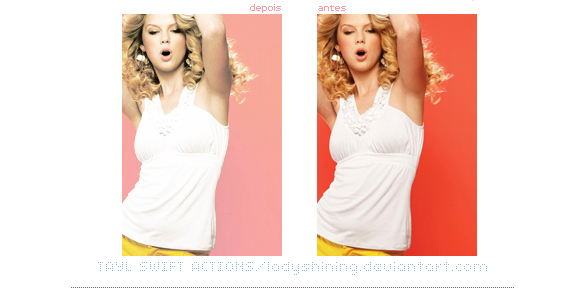
Lady Shining
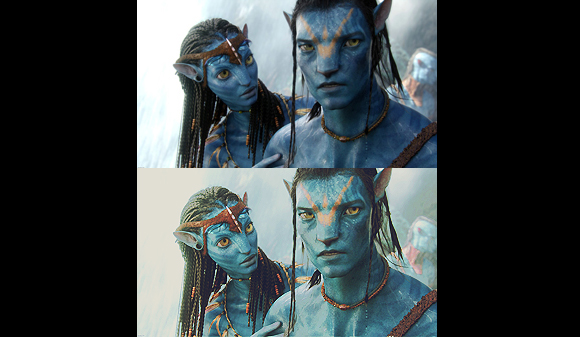
PS Action 42
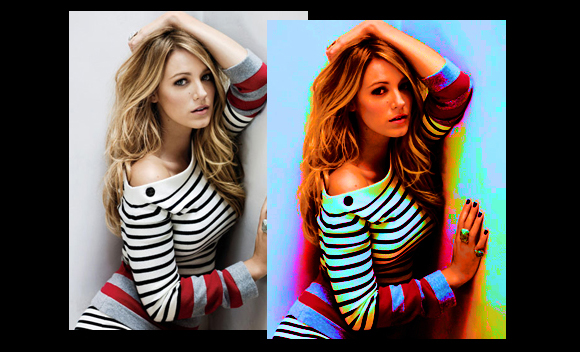
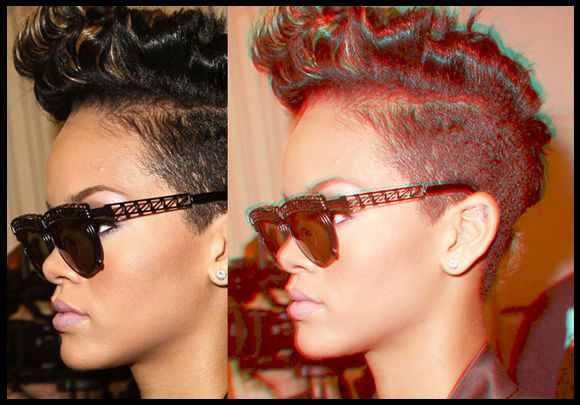
3D Action with Fund of Colour
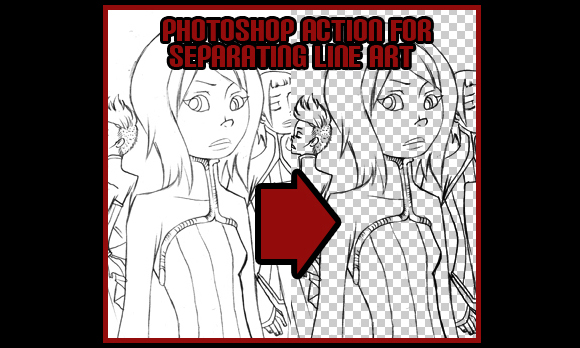
Separate Line Art
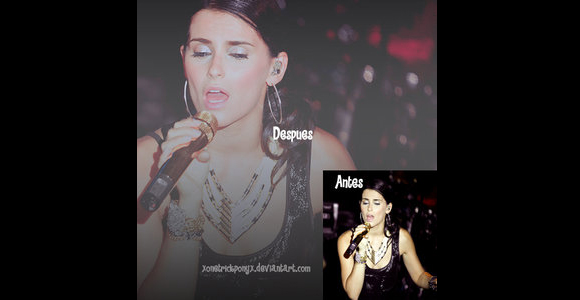
New Action 2
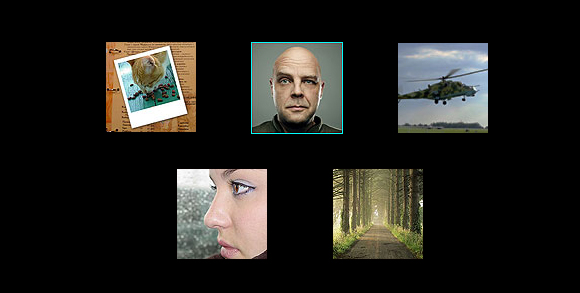
5 Different Actions
Lomo, Night Vision Effect, Polaroid 600 Instant Film, Infrared, Pixel Borders.
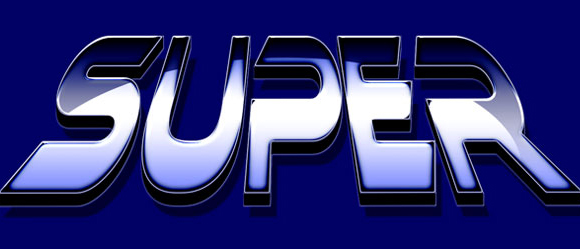
Super Heroes
The first action creates the generic superhero text, the second gives a thinner 3-D effect, and the third takes the 3-D text into the distance.
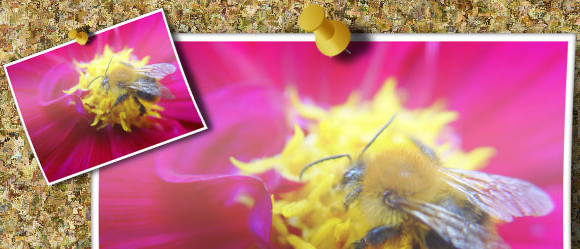
TackIt! Mini
The “TackIt! Mini” action creates a web-ready picture tacked up on a bulletin board.
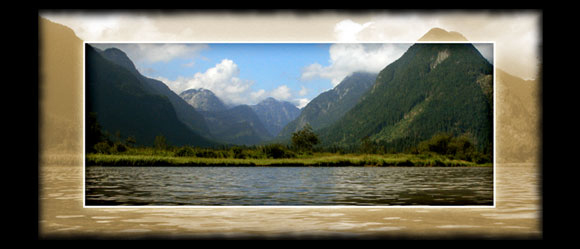
Highlight FX #1
This action takes your image and creates a stunning window surrounded by a lighter sepia effect and a soft edge.
Crystal Ball Action
Turn your photo into a “Crystal Ball.
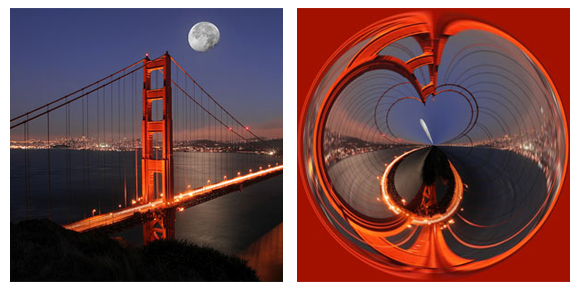
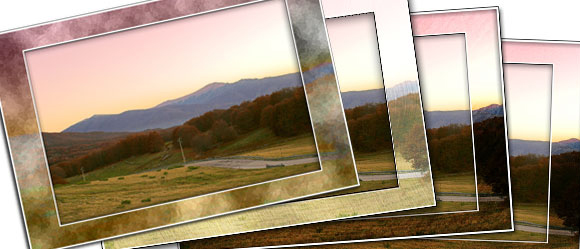
Photo Mattes
The set contains 5 actions — one action to set up your picture so it will work correctly with the mattes, and then 4 matte effects.
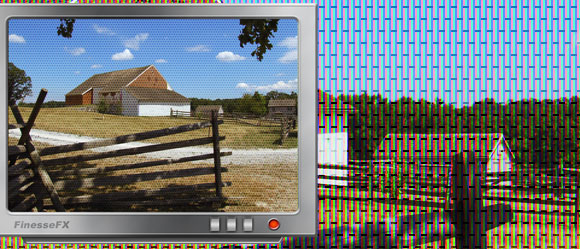
Television
The action creates the television set which includes two different frames, customizable TV name, power and control buttons, and a RGB pixel overlay.<
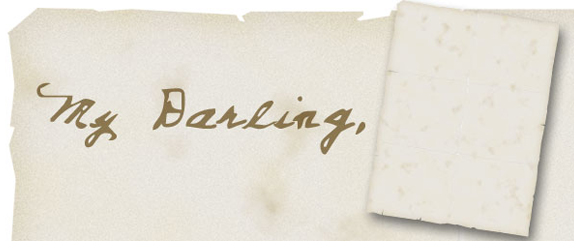
Old Love Letter
This action creates a folded, stained 8 1/2×11 inch piece of paper that looks like it has been stored away and treasured for many years.
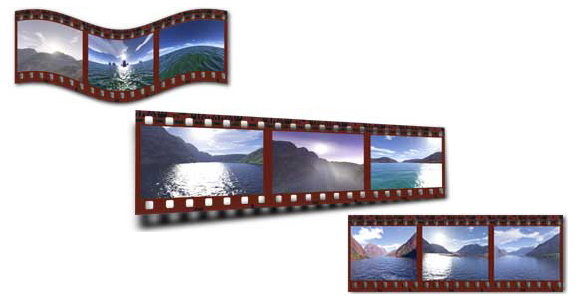
FilmStrip Action!
The FilmStrip Action 1.0 takes three images of your own choice and makes a negative. There are three different actions included in this file.
Photographers Collection
A collection of Photoshop Actions developed with the photographer in mind.
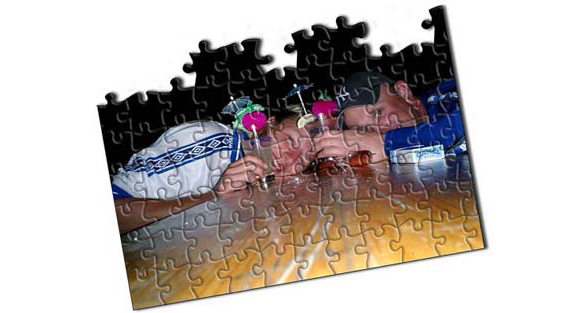
Puzzle Action!
This is my first attempt at an action set that makes different jigzaw puzzle effects.
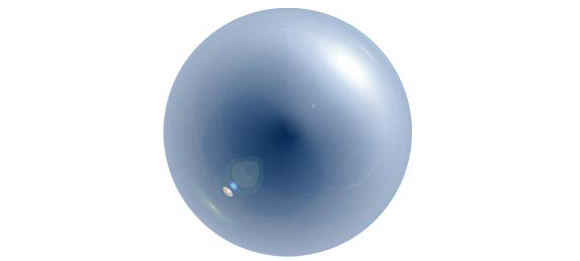
Glass Orb effect
Create an amasing Glass Orb based on the ‘background’ color chip with this free Adobe Photoshop Action.
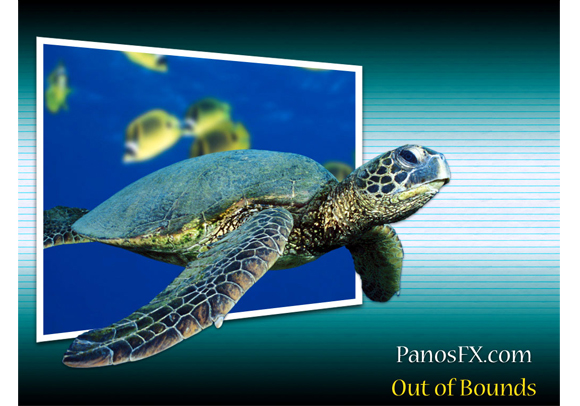
Out of Bounds
The PanosFX Out of Bounds is an advanced tool which simplifies the steps needed to create the impressive and popular OoB effects.
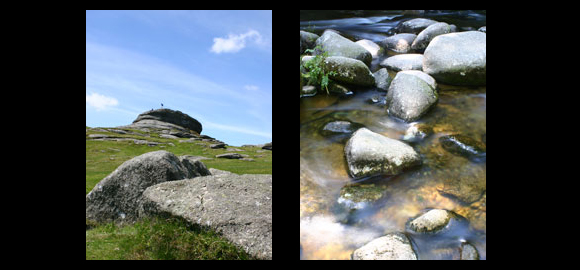
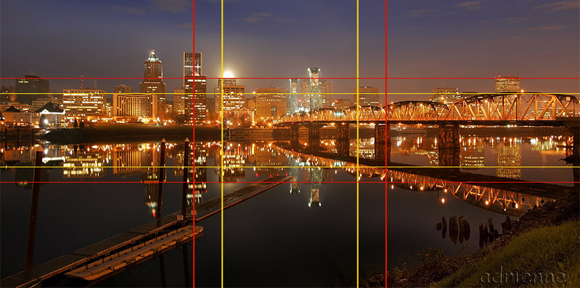
Rule of Thirds and Golden Mean Actions
As you are learning composition, the so-called “Rule” of Thirds can be helpful. Some folks think the Golden Mean is a better compositional guideline.
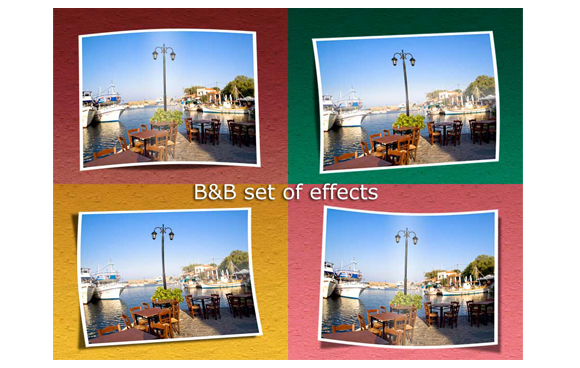
Border and Bend
These 2 very impressive (and free!) sets of actions play tricks with borders and shadows to give your images a pseudo-3D look.
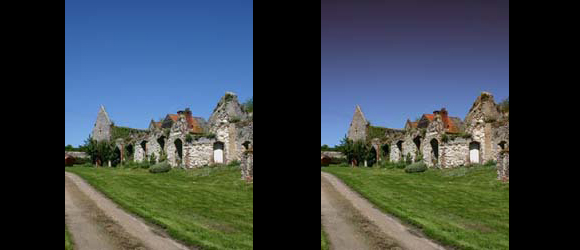
Graduated Tint Effect
This works best on dark or deep blue skies. Add a grad-filter type effect to the top of the image.
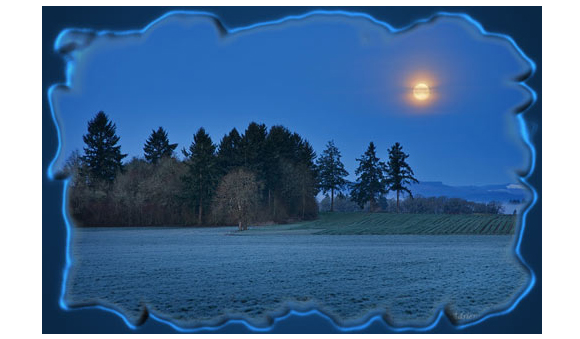
Ragged Frame Action
Place a ragged frame around your image. You control the color of the frame. The shape is pretty much random.
Reduce Motion Blur Effect
Reduce the effects of camera shake on an image and sharpen up detail.
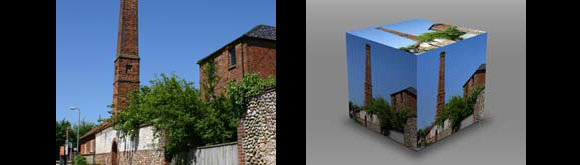
Photo Cube Effect
Apply a rather impressive photo-realistic 3D photo cube effect to any image.
The Torn Tree
Glass Orb effect
Create an amasing Glass Orb based on the ‘background’ color chip with this free Adobe Photoshop Action.
Out of Bounds
The PanosFX Out of Bounds is an advanced tool which simplifies the steps needed to create the impressive and popular OoB effects.
Rule of Thirds and Golden Mean Actions
As you are learning composition, the so-called “Rule” of Thirds can be helpful. Some folks think the Golden Mean is a better compositional guideline.
Border and Bend
These 2 very impressive (and free!) sets of actions play tricks with borders and shadows to give your images a pseudo-3D look.
Graduated Tint Effect
This works best on dark or deep blue skies. Add a grad-filter type effect to the top of the image.
Ragged Frame Action
Place a ragged frame around your image. You control the color of the frame. The shape is pretty much random.
Reduce Motion Blur Effect
Reduce the effects of camera shake on an image and sharpen up detail.
Photo Cube Effect
Apply a rather impressive photo-realistic 3D photo cube effect to any image.
The Torn Tree



[…] This post was mentioned on Twitter by Rafiq Elmansy, HowDo.us, CT, CT, Aidan Boyle and others. Aidan Boyle said: RT @rafiqelmansy: 30 Photoshop Actions for Photo Effects: http://www.graphicmania.net/30-photoshop-actions-for-photo-effects/ http://bit … […]
Great! Thank you!
.-= Edani Cosar´s last blog ..Christmas Cats Not Feeling the Holiday Spirit =-.
great actions.
thank you very much.
.-= designfollow´s last blog ..8 easy steps to become best wordpress developer =-.
[…] 30 Photoshop Actions for Photo Effects | Flash, Design, Vector, Photoshop, Adobe Tutorials | Graphic…graphicmania.net […]
=== popurls.com === popular today…
yeah! this story has entered the popular today section on popurls.com…
[…] here: 30 Photoshop Actions for Photo Effects | Flash, Design, Vector, Photoshop, Adobe Tutorials | Graphic… 16 January 2010 | Uncategorized | Trackback | del.icio.us | Stumble it! | View Count : 0 Next […]
[…] 30 Photoshop Actions for Photo Effects Submitted by graphicmania […]
[…] 30 Photoshop Actions for Photo Effects | Flash, Design, Vector, Photoshop, Adobe Tutorials | Graphic… Awesome Photoshop Actions! (tags: actions photoshop) […]
[…] 30 Photoshop Actions for Photo Effects […]
Social comments and analytics for this post…
This post was mentioned on Twitter by Radwasamir: RT @rafiqelmansy 30 Photoshop Actions for Photo Effects http://is.gd/6orQS…
[…] 30 Photoshop Actions for Photo Effects | Flash, Design, Vector, Photoshop, Adobe Tutorials | Graphic… 30 Acciones de Photoshop para realizar efectos. (tags: recursos imagen diseño fotografia gratis descarga photoshop) […]
This article has been shared on favSHARE.net. Go and vote it!
Thanks for your Great effort……..
I like Lady Shining,Reduce Motion Blur Effect….
I like the Photo Cube Effect
nice